![logo bleu-blanc2.png]](https://blog.robotiq.com/hs-fs/hubfs/logo%20bleu-blanc2.png?height=40&name=logo%20bleu-blanc2.png)
On Copilot versions under 3.16.0, interlayers have to be set up by hand: you create the interlayer as a multipick box, replace the automatic gripper model with a smaller mesh, and model the gripper with a collision bounding box. This article walks through those three steps.
For Copilot 3.16.0 and above, please refer to this article :
How to Program Rigid Interlayers Using the Multipick Feature
If under copilot 3.16.0 :
To manage interlayers and see them in the interface you need to :
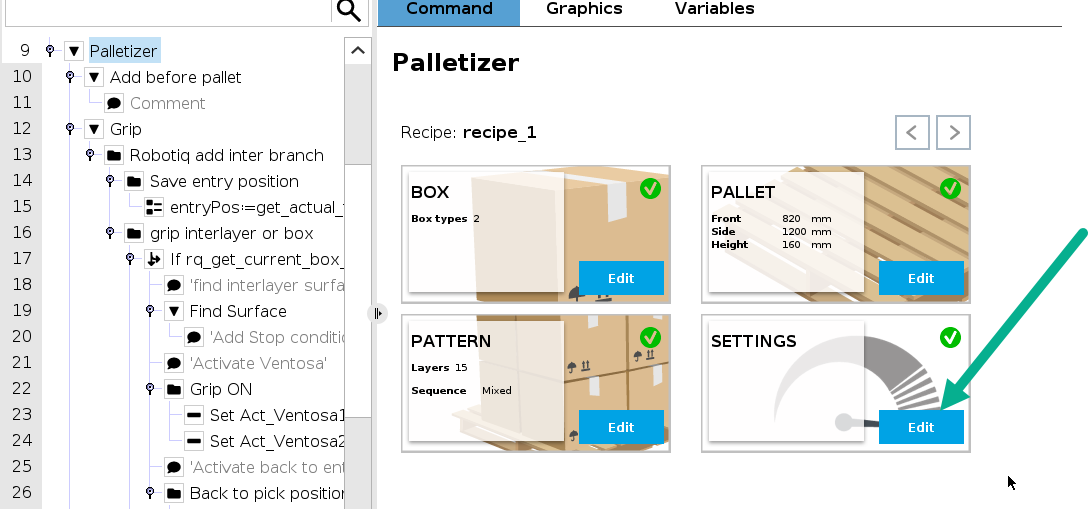
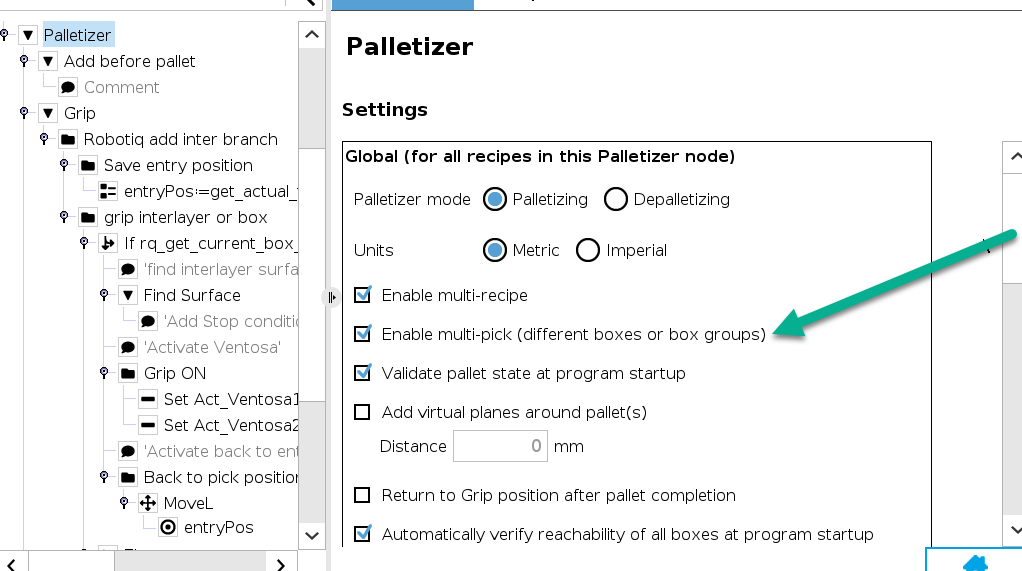
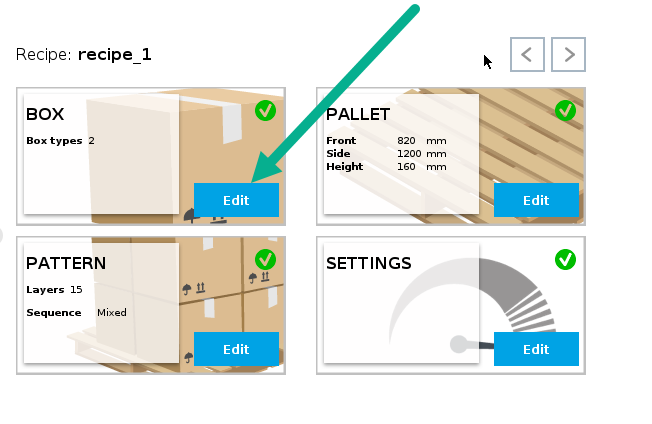
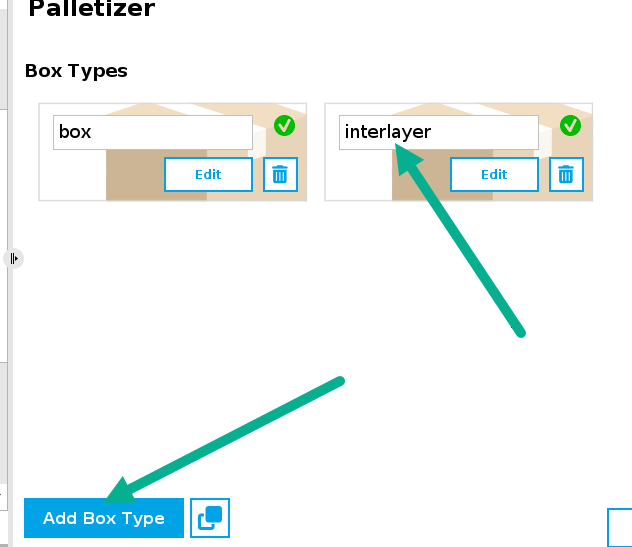
1/Create the box "interlayer" using multipick
2/Replace the automatic gripper model by smaller model
3/modelise your gripper with a bounding box.
1/ Create the " box interlayer" using multipick
2/ - Replace the automatic gripper model with a smaller model
You need to point to a PLY through this function : 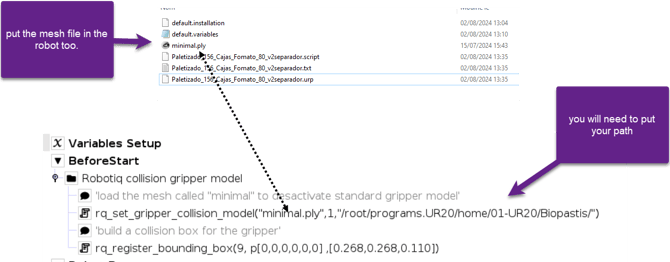
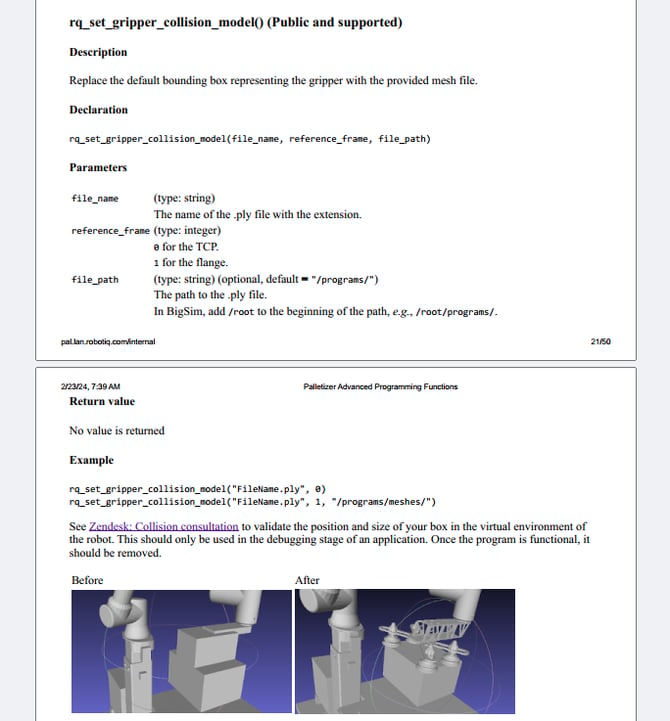
3/ Modelise your gripper with a bounding box.
Use this method linked :
How to add a collision box to the collision model
4/ Program model for Rigid interlayer : link
Need help? Contact Robotiq Support.
Updated: August 25, 2026