![logo bleu-blanc2.png]](https://blog.robotiq.com/hs-fs/hubfs/logo%20bleu-blanc2.png?height=40&name=logo%20bleu-blanc2.png)
If your workspace is too cramped for proper camera calibration, don’t worry, you can still achieve accurate results. Perform a full calibration in an open area, then relocate the robot to the confined space and define a new workplane and camera position, without repeating the full calibration process.
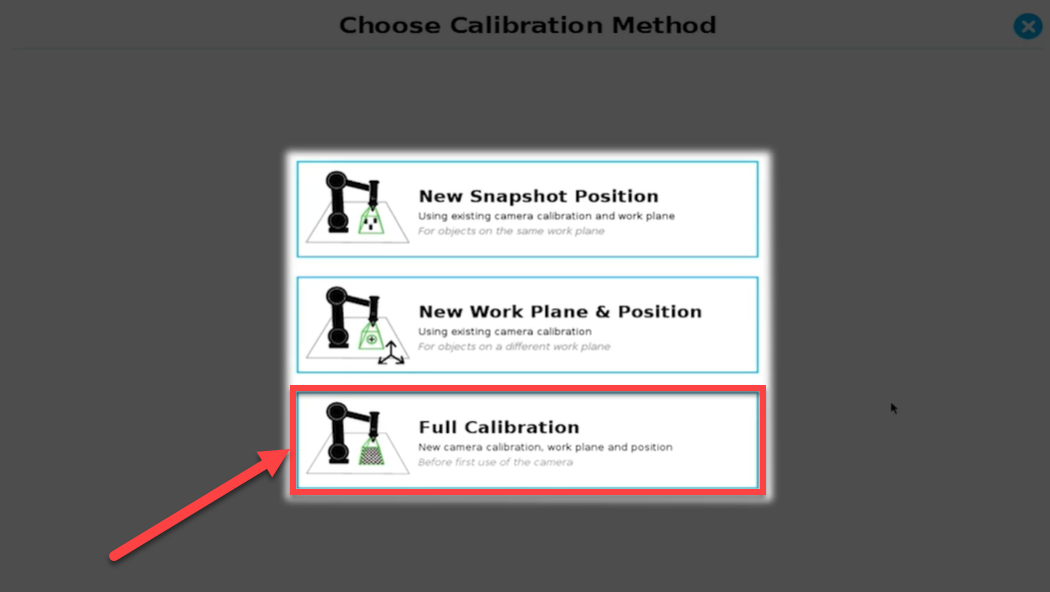
1. Execute Full Calibration in an Open Space
-
Start by calibrating the camera in an area with sufficient room for movement.
-
Use Full Calibration in the Wrist Camera setup. This establishes the necessary camera-to-workplane mapping.
Step 2: Re-use Calibration in a Confined Area
-
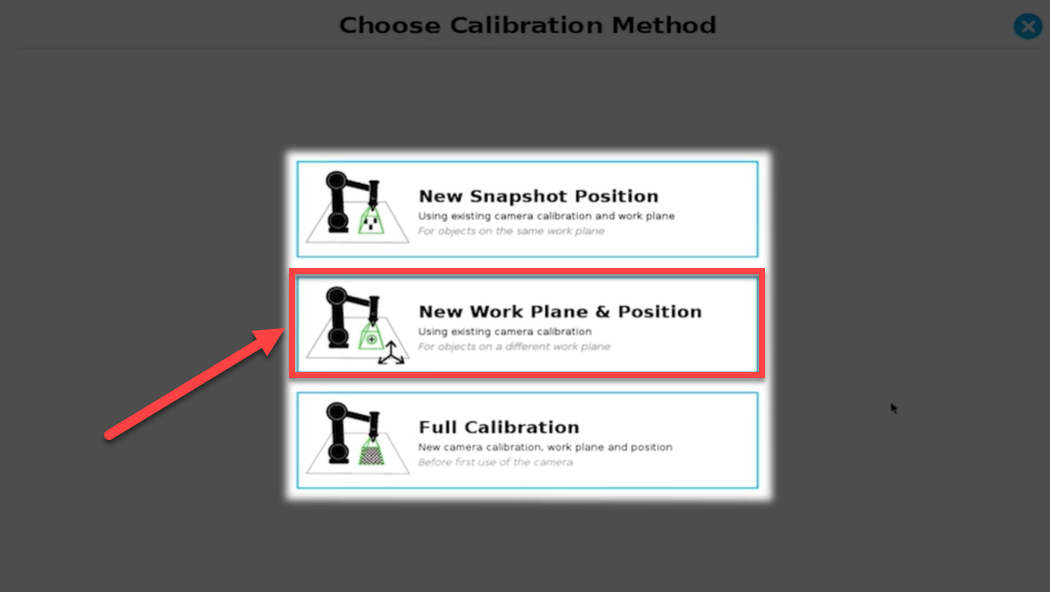
Move the robot to the restricted workspace.
-
Create a New Work Plane & Position, and define the camera’s Snapshot Position within this environment.
-
Since the full calibration parameters are already applied, you don't need to physically move the robot around the snapshot position again.
-
This setup allows the camera to operate even when direct movement is limited.
Visual Support
-
A short video tutorial is available on Robotiq’s eLearning platform to guide you through this process.
For more details, see this e-Learning video: Link
Need help? Contact Robotiq Support
Updated: January 2026