![logo bleu-blanc2.png]](https://blog.robotiq.com/hs-fs/hubfs/logo%20bleu-blanc2.png?height=40&name=logo%20bleu-blanc2.png)
If you’re upgrading to the new Robotiq 2F (V4) gripper but still have fingertip sets from the previous 2F (V3) version, there’s no need to discard them. Robotiq offers a conversion kit that allows full compatibility between the older fingertips and the newer gripper.
What You’ll Need:
-
Conversion kit: AGC‑TIP‑CONV‑KIT
-
Access to Robotiq's support portal to download 3D model references. You can find them by going to 2F-85 > Choose any robot > 3D Model > 2F-85 > Select Fingertips > Select V3 to V4 Fingertip Converter.
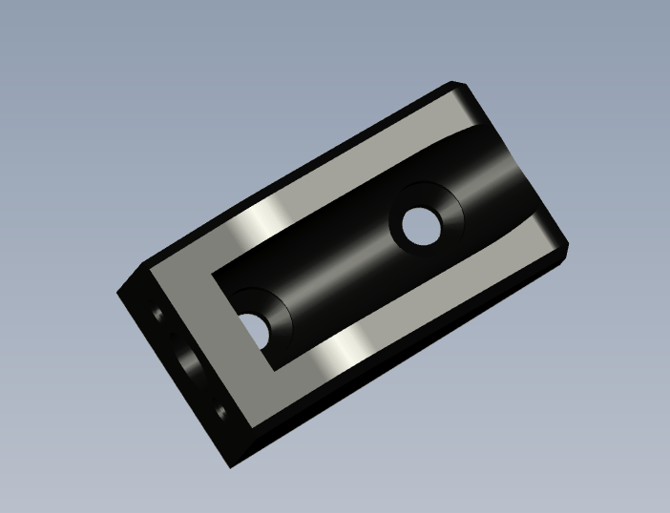
Installation Steps:
-
Order the conversion kit.
-
Install the adapter on your 2F (V4) gripper.
You have only to screw the two screws. -
Attach the 2F (V3) fingertips.
Once the adapter is installed, secure your 2F (V3) fingertips just as you would on the older gripper -
Test the setup.
Power on the gripper and verify proper fingertip alignment and grip performance.
Conclusion
The AGC‑TIP‑CONV‑KIT makes it easy to reuse your 2F (V3) fingertips on the newer 2F (V4) gripper, saving time and costs.
Need help? Contact Robotiq Support