![logo bleu-blanc2.png]](https://blog.robotiq.com/hs-fs/hubfs/logo%20bleu-blanc2.png?height=40&name=logo%20bleu-blanc2.png)
When a new product is close to one you already palletize, duplicating its recipe saves you from entering the box, pallet, pattern, and settings again. It also lowers the risk of typos.
Information
- Before you start: save a backup copy of your robot program.
- Enable multi-recipe (if not already on): Palletizer node > Settings block > Edit > tick Enable multi-recipe. Note that this setting applies to the whole node.
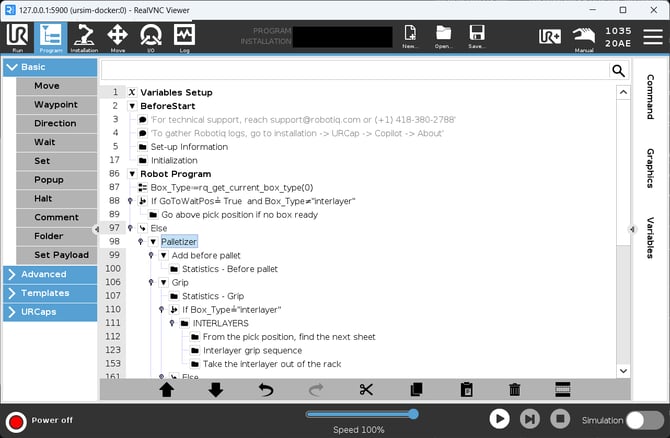
Duplicate the recipe:
- Tap the Duplicate icon next to Add Recipe.
- In Duplicate Recipe, pick the source in Duplicate this recipe.
- Type the new name in Save as and tap Ok.
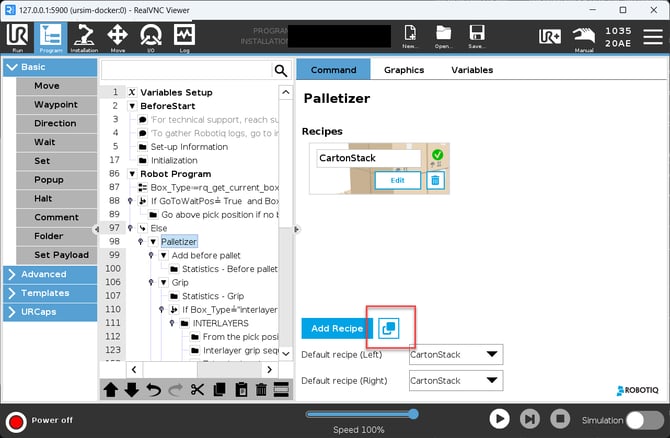
Adjust the new recipe: tap Edit under its name and change only the Box, Pallet, Pattern or Settings values that differ. Patterns belong to each recipe, so two recipes can have patterns with the same name.
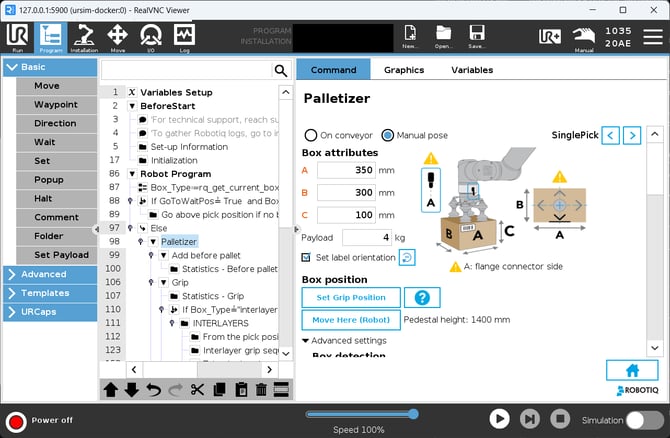
Save the robot program
Need help? Contact Robotiq Support.
Updated: October 13, 2026