![logo bleu-blanc2.png]](https://blog.robotiq.com/hs-fs/hubfs/logo%20bleu-blanc2.png?height=40&name=logo%20bleu-blanc2.png)
This article explains how to change the communication protocol on a Robotiq 3-Finger Adaptive Gripper using the netIC. This can be useful when adapting the gripper to different hardware or communication setups.
It is possible to change the communication protocol of a 3-Finger-Gripper with only these protocols:
- EtherCAT
- Ethernet/IP
- Modbus TCP
- ProfiNET
Requirements
To follow this procedure, you’ll need:
-
A Robotiq 3-Finger Gripper
-
Software netIC
-
Power supply and communication cables
-
A Windows PC
Steps
The procedure is indicated in this document.
If you don't find the Hilsher, you can find it in this page: Link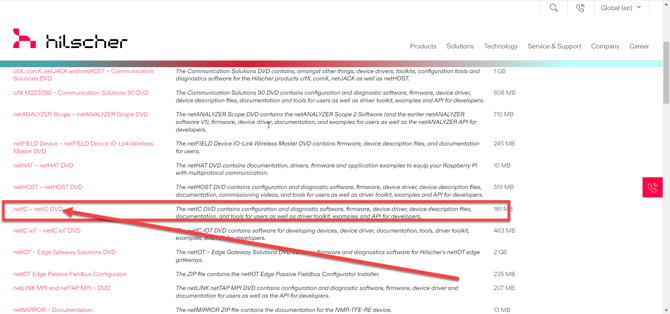
You can find it also here: link
Other Communication Protocols
To change from/to any other communication protocol, the communication board must be changed and can only be done at Robotiq. Contact Robotiq Support to initiate an RMA process.