![logo bleu-blanc2.png]](https://blog.robotiq.com/hs-fs/hubfs/logo%20bleu-blanc2.png?height=40&name=logo%20bleu-blanc2.png)
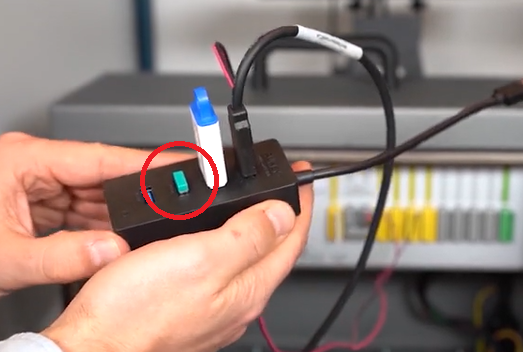
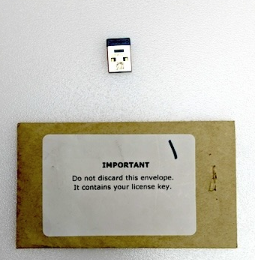
The USB license dongle included with the Robotiq Wrist Camera is required to activate and use the Wrist Camera software. If you lose or damage this dongle, the camera cannot be used. This article explains what to do in this situation.
-
If the dongle is lost, it cannot be recovered, nor replaced by Robotiq.
-
There is no workaround to activate the camera without the dongle.
-
To continue using the camera, you must order a replacement license dongle.
Ordering a replacement license dongle
-
Contact your local Robotiq distributor.
-
Request a quote for the following part number: ACC-USB-DONGLE
Conclusion
Losing the USB license dongle means the camera software cannot be used until a new one is purchased. Be sure to store the replacement securely once received.
Need help Contact Robotiq Support
Updated: January 2026